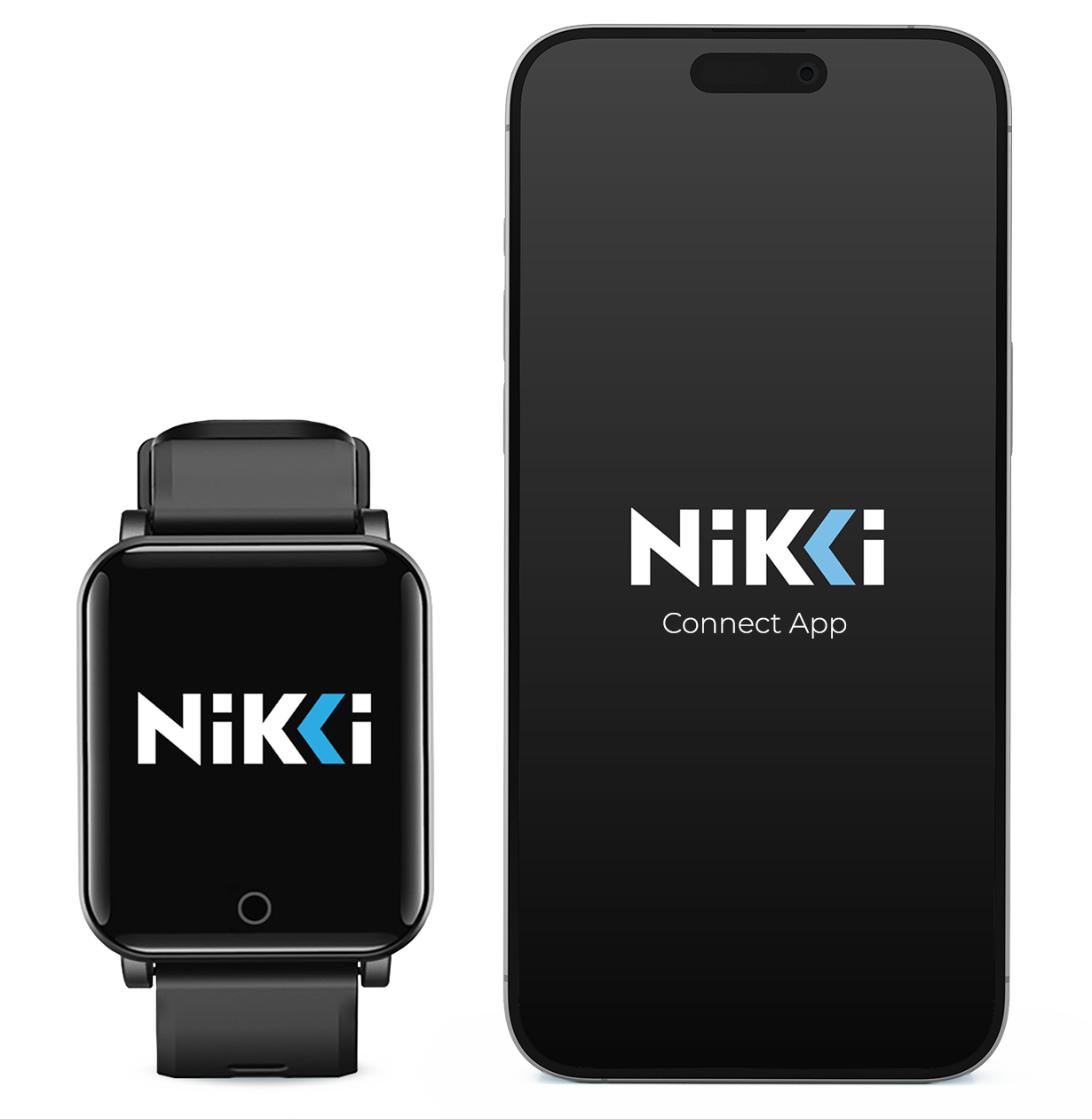
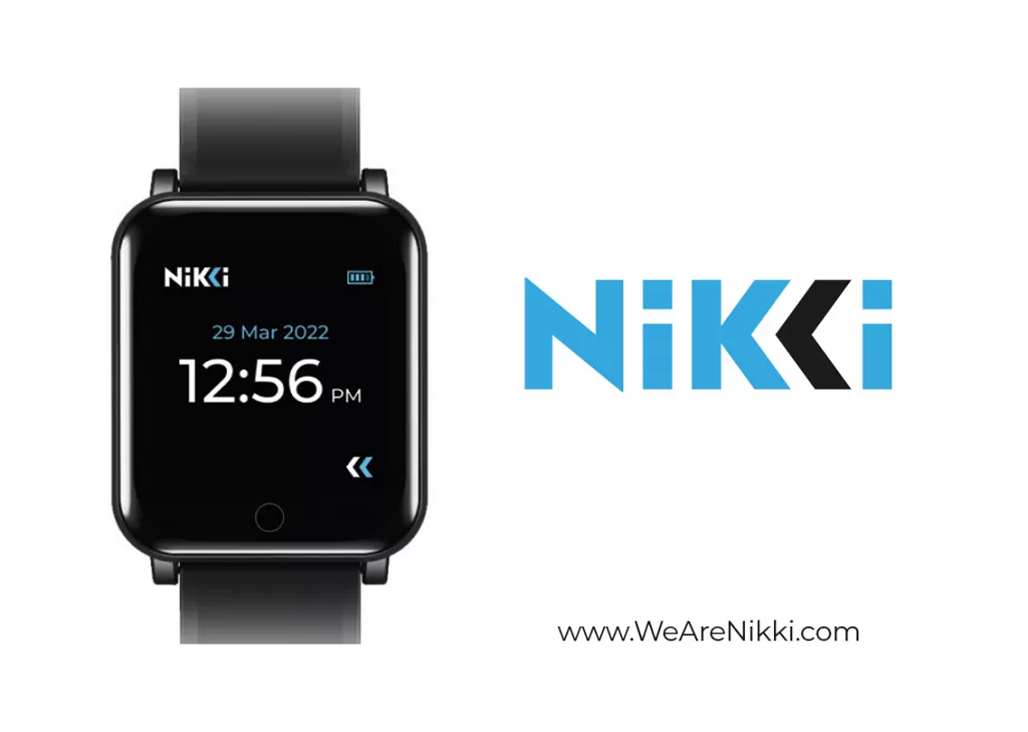
Before activating your device, make sure your NIKKI is charged and your phone’s Bluetooth is enabled. Activation ensures your device is securely connected and ready to deliver wellness programs through the NIKKI Connect App.
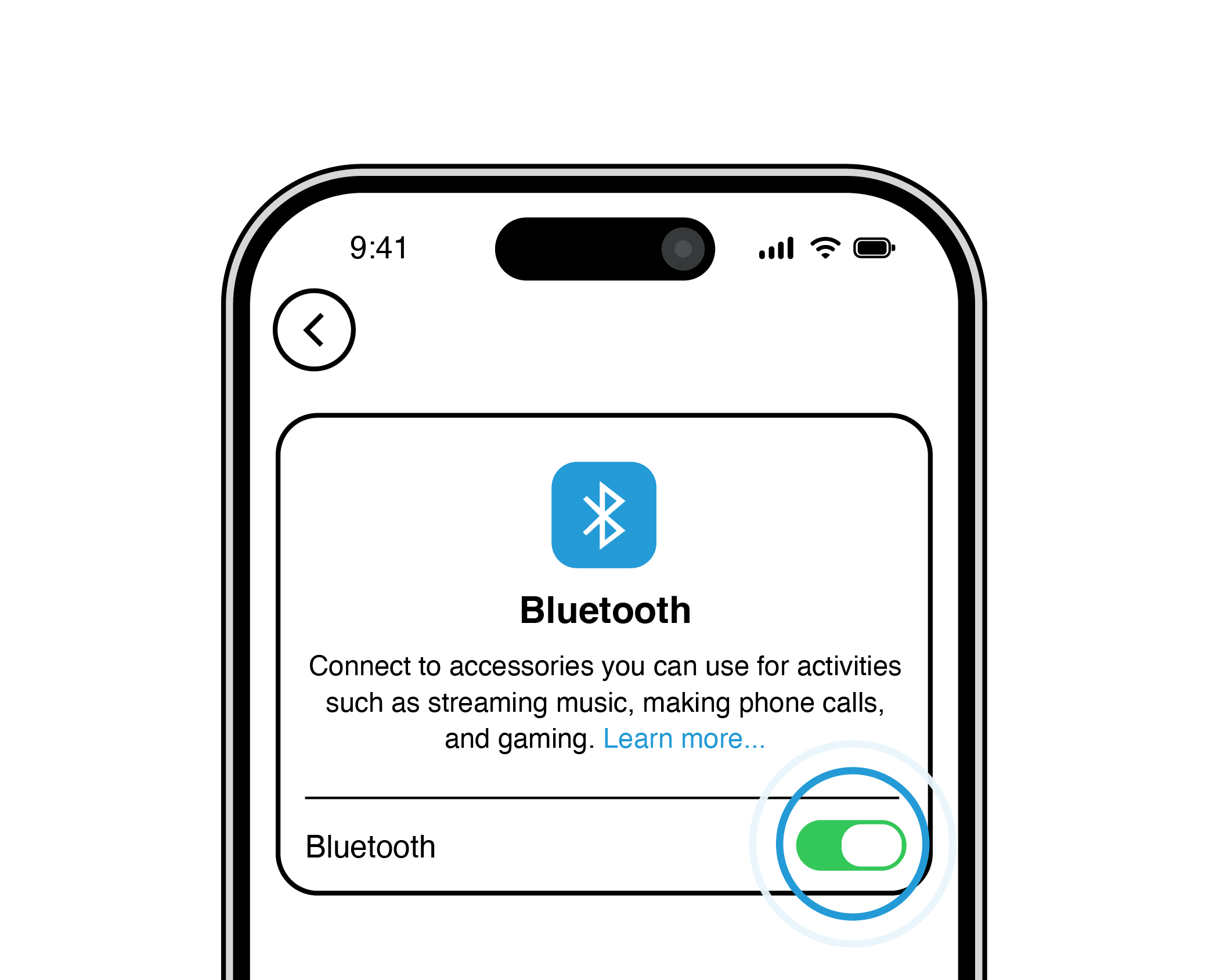
Make sure your BLUETOOTH is turned ON.
1
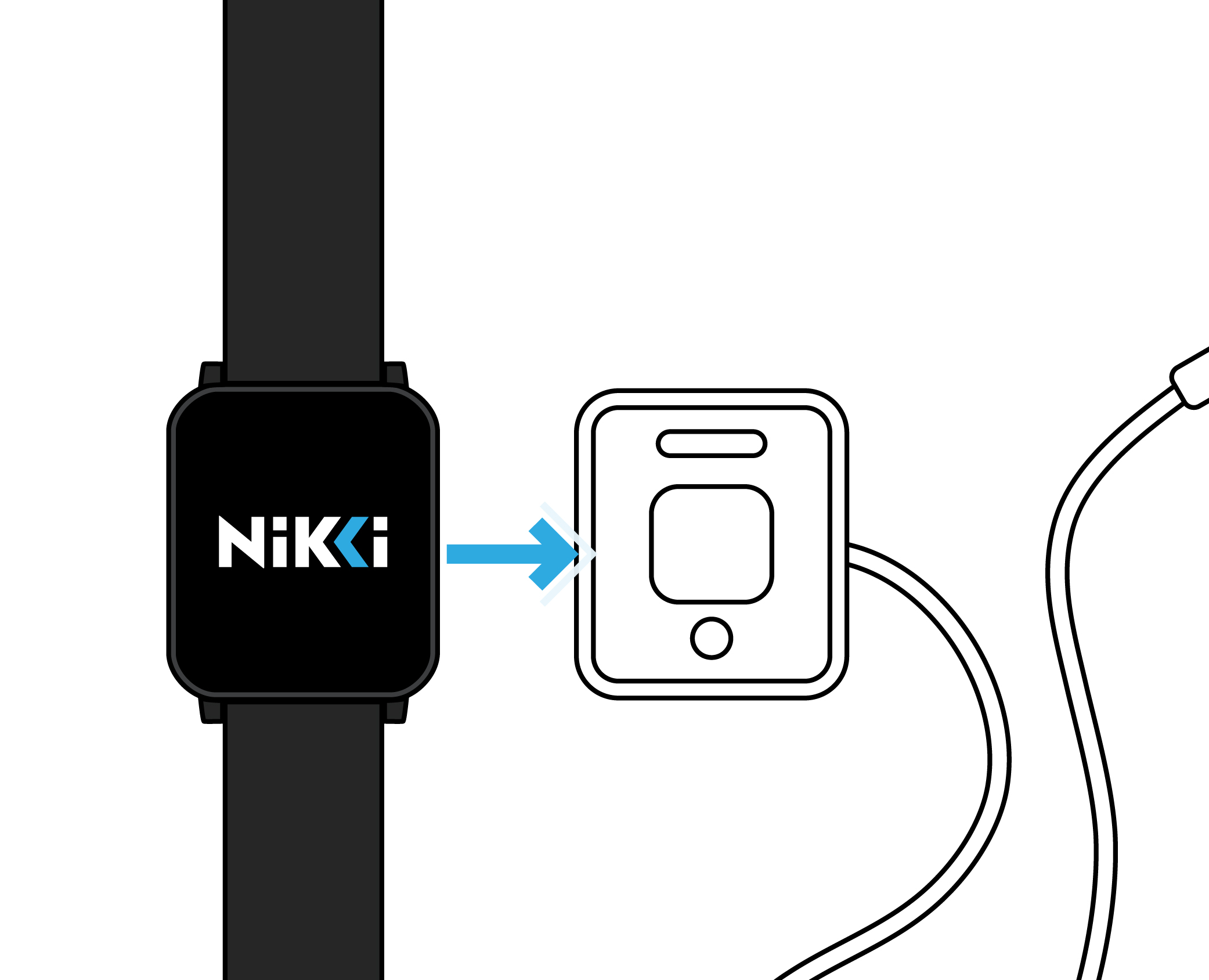
Put your NIKKI on a charger.
2
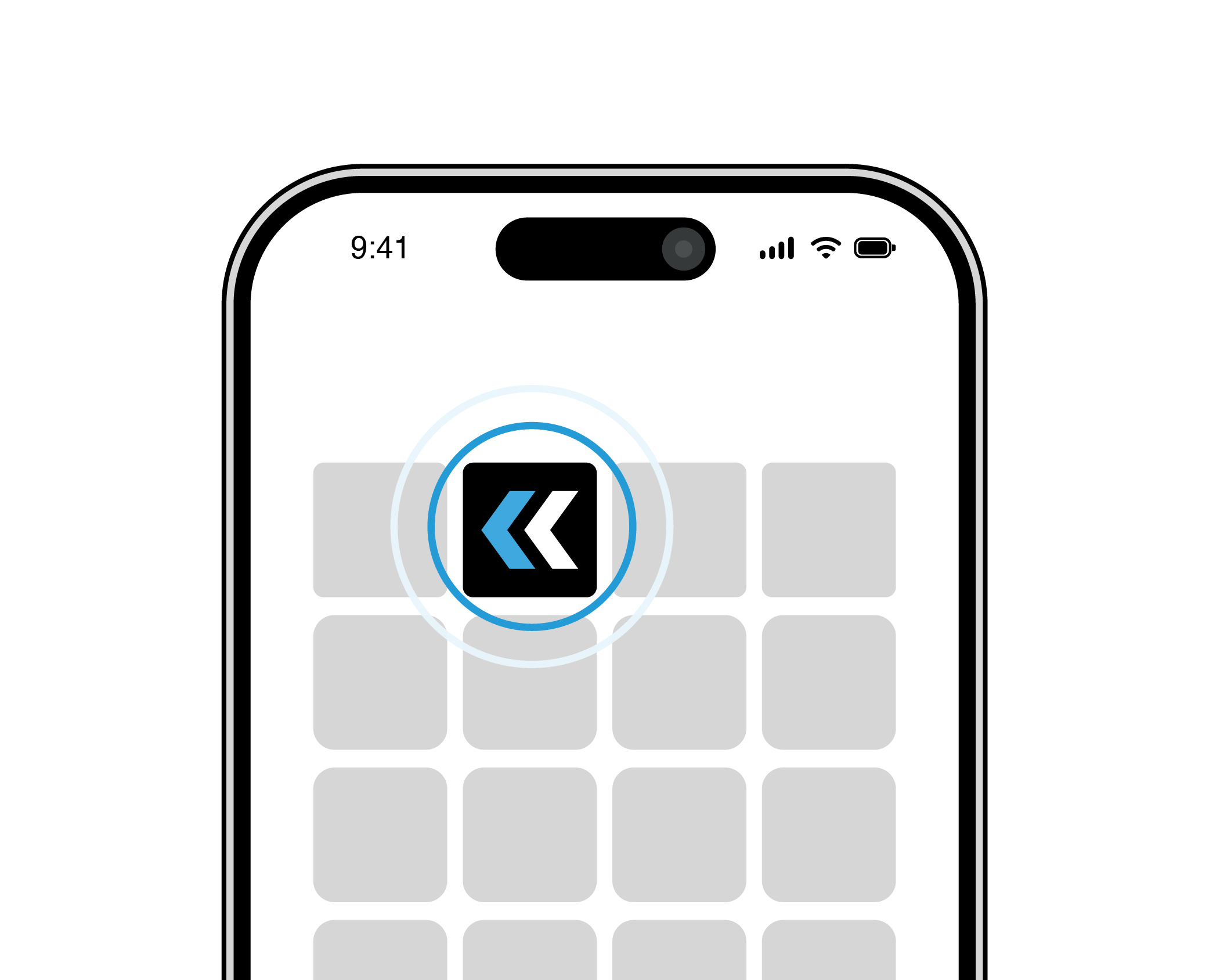
Open your NIKKI Connect app.
3
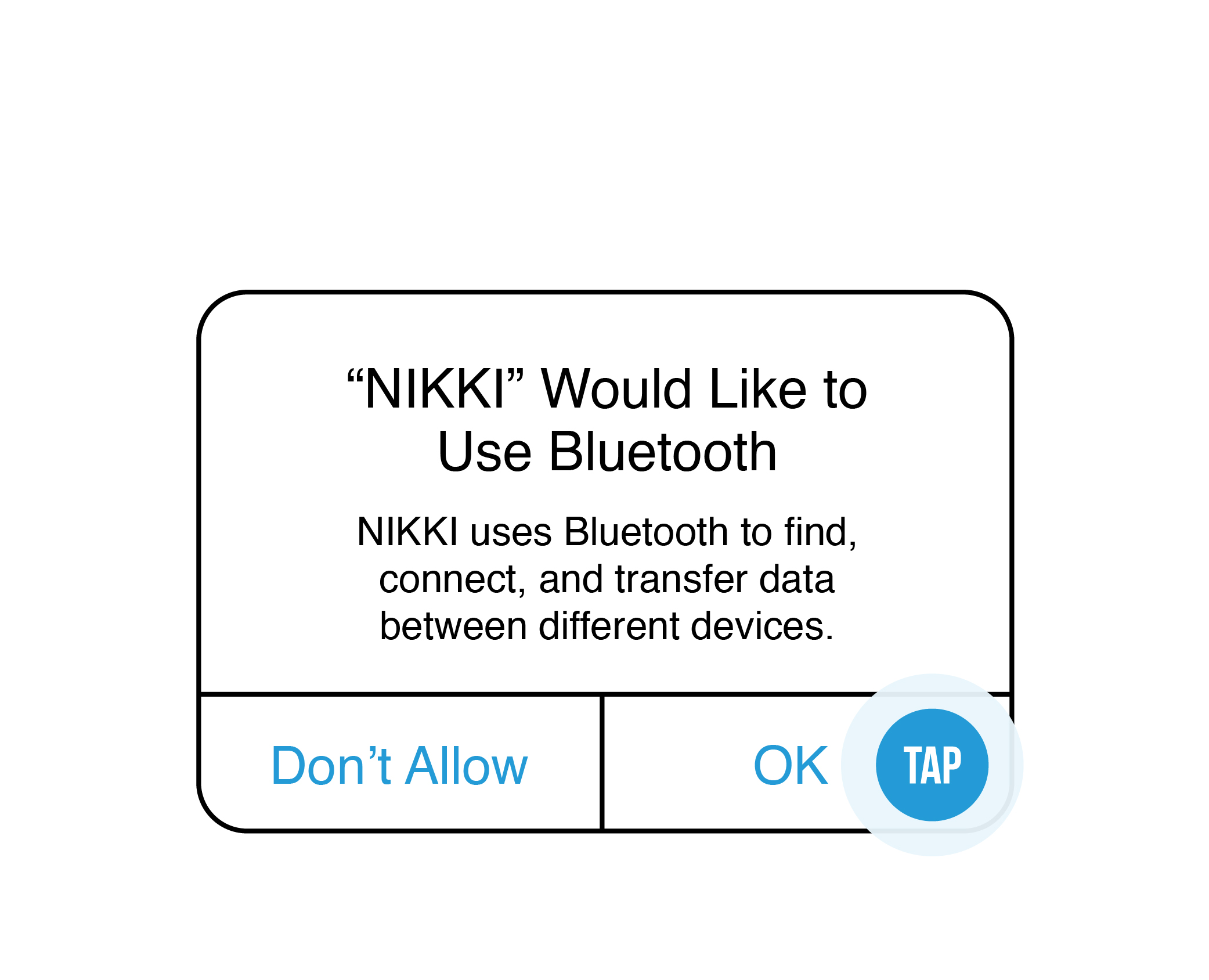
Allow BLUETOOTH to connect. Your phone/tablet may do this automatically.
4
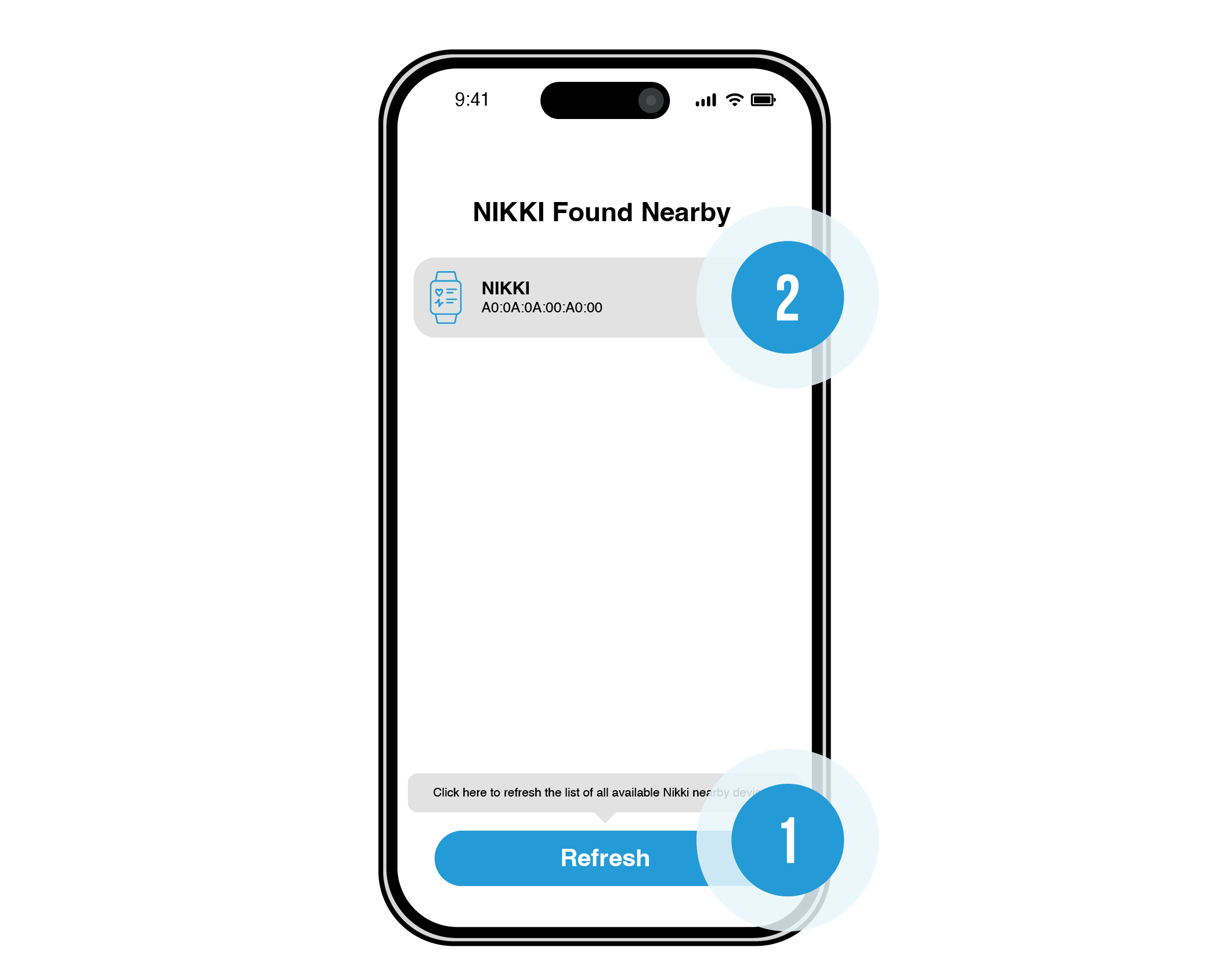
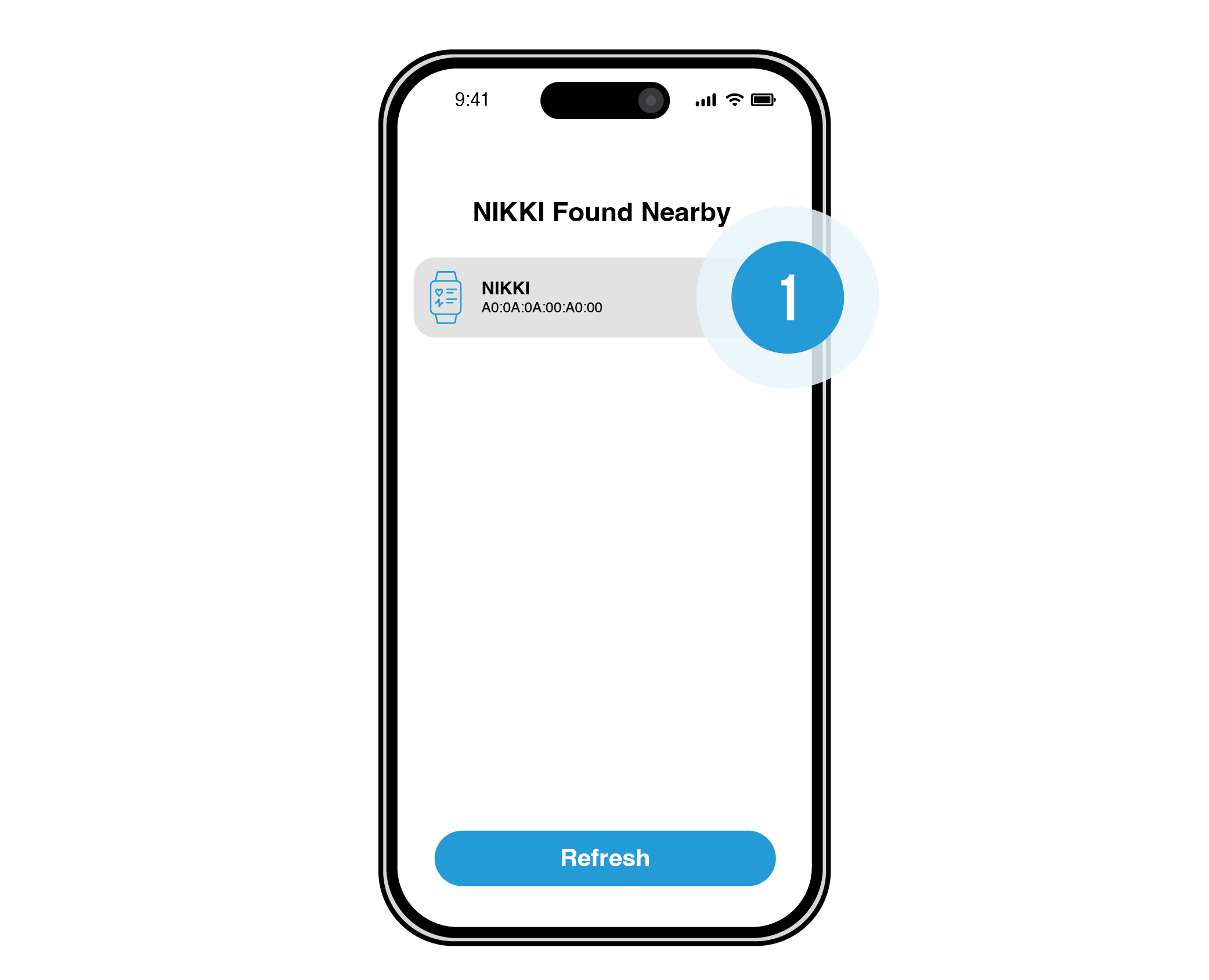
Press refresh and tap your NIKKI device (your phone/tablet should find the nearest NIKKI).
5
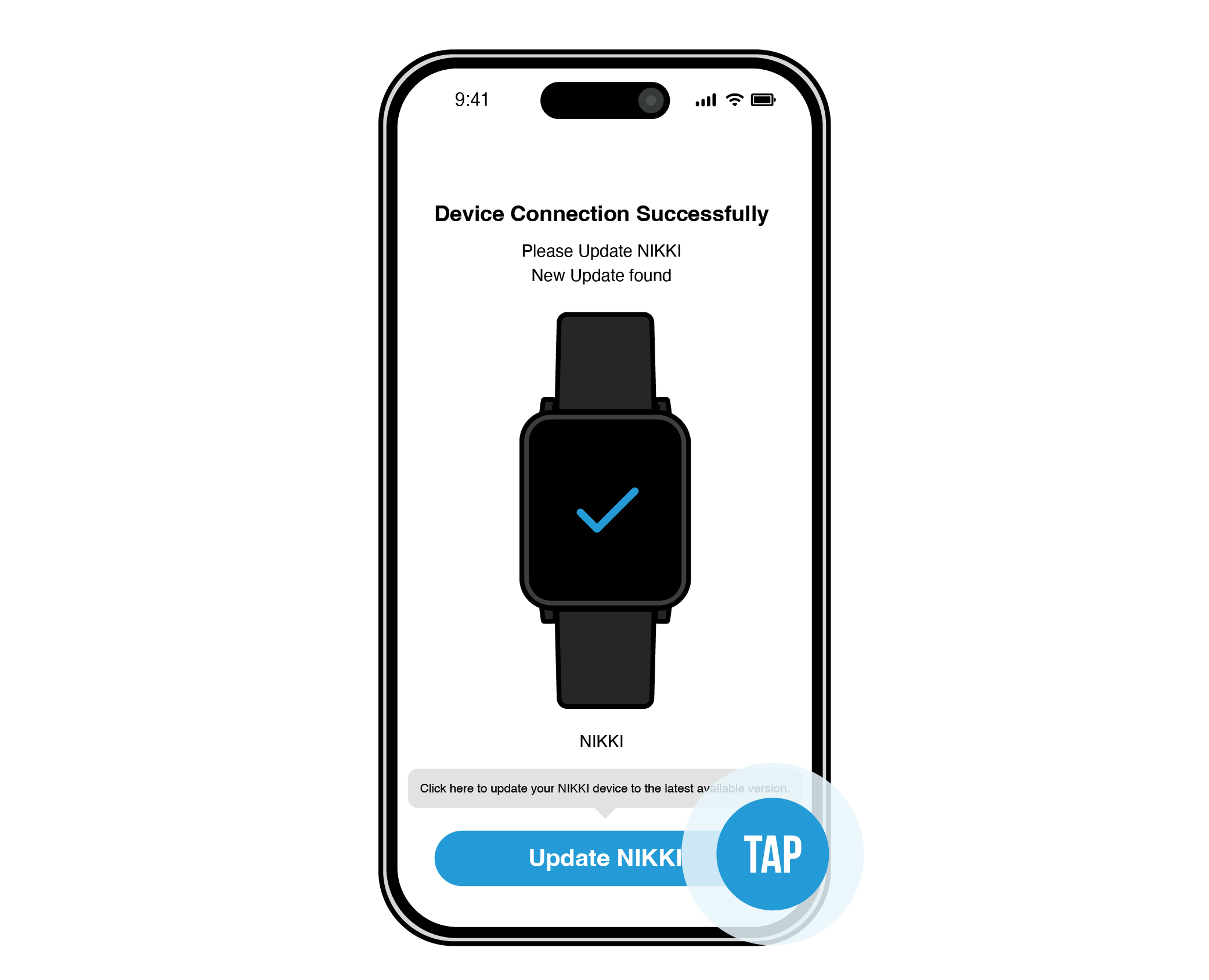
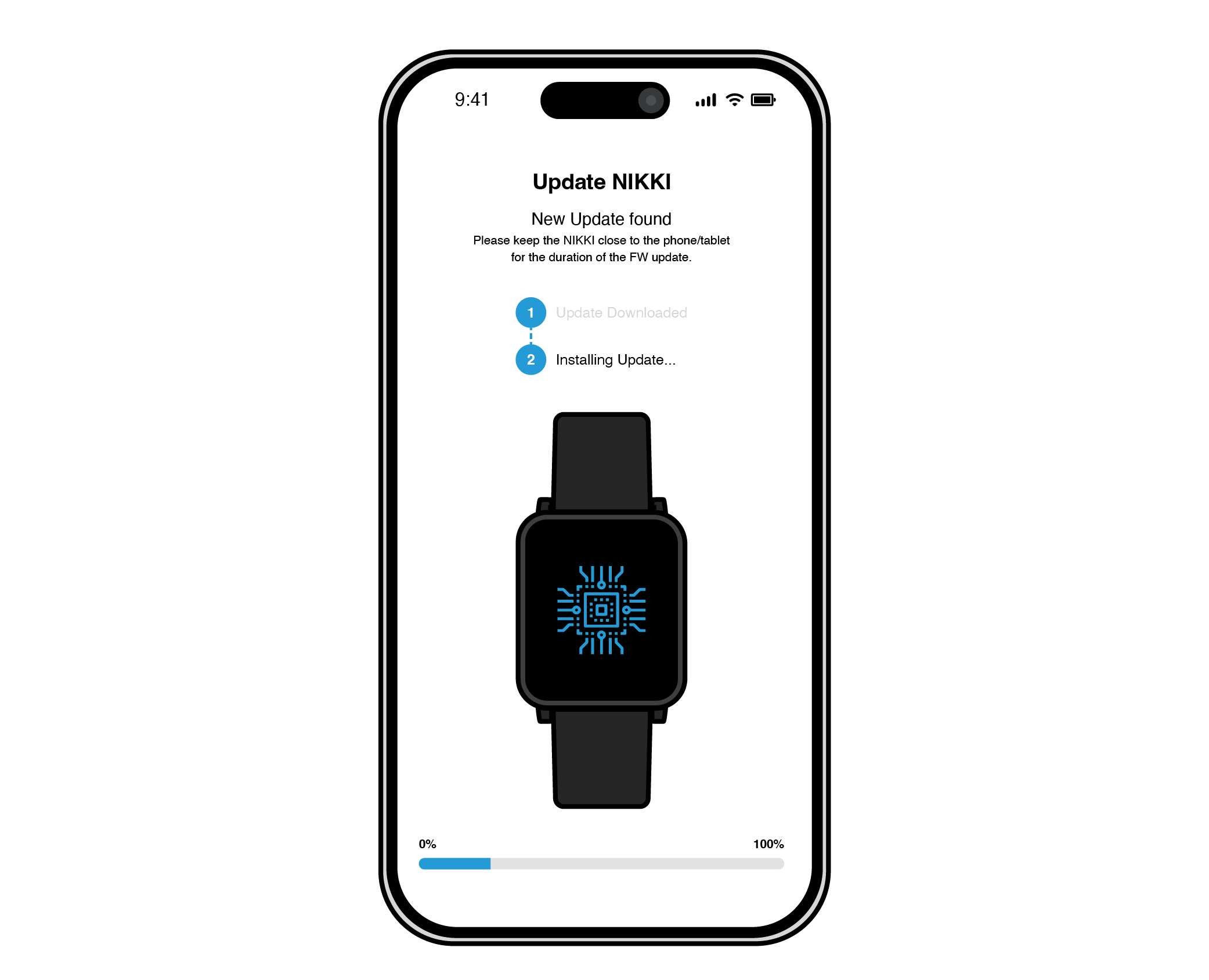
NIKKI Connect will update and install firmware.
7
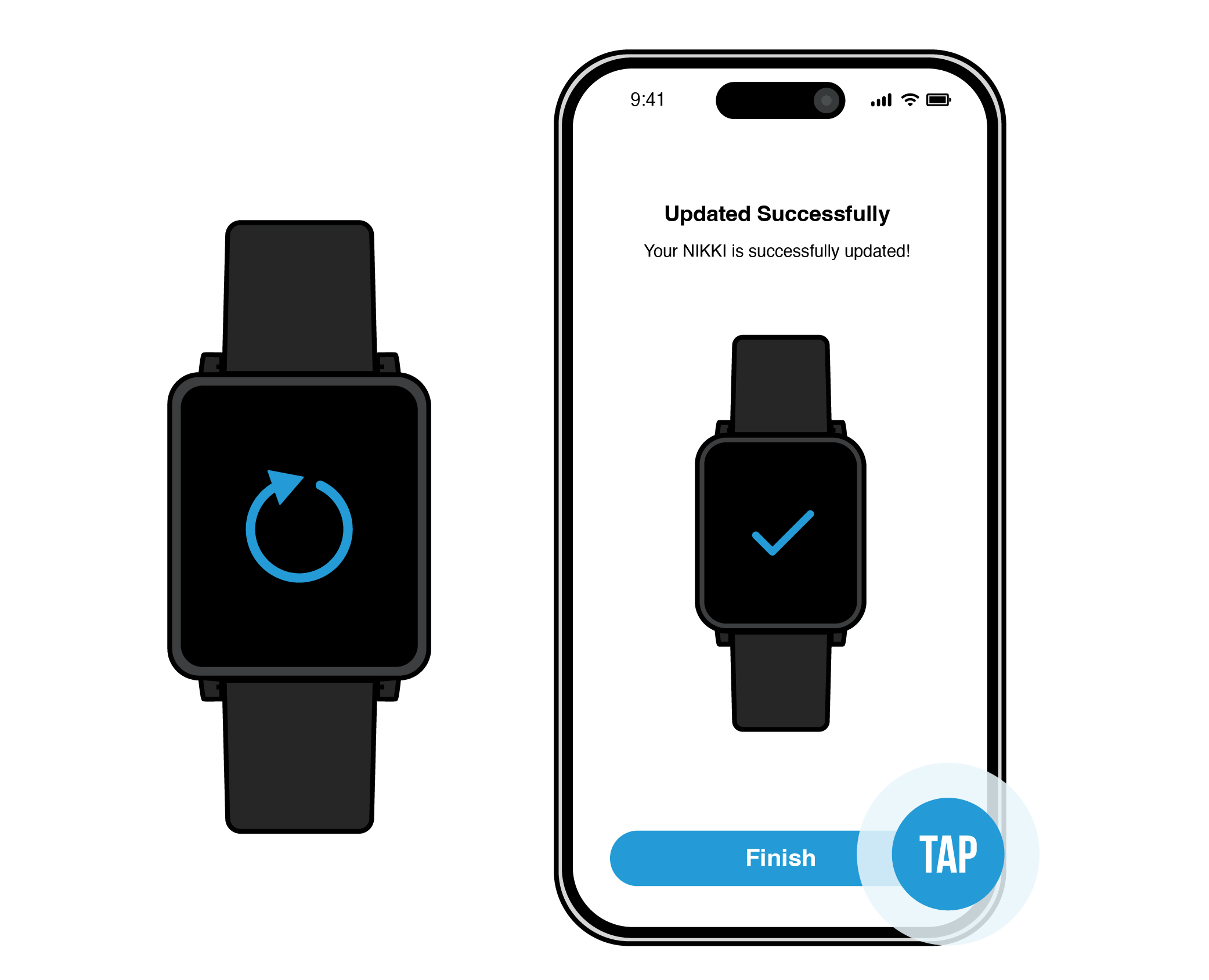
Once installed, your NIKKI will restart. Your app will say “Updated Successfully”. Tap the “Finish” button.
8
NIKKI Connect will go back to the page where your NIKKI is discoverable. Tap on the same NIKKI.
9
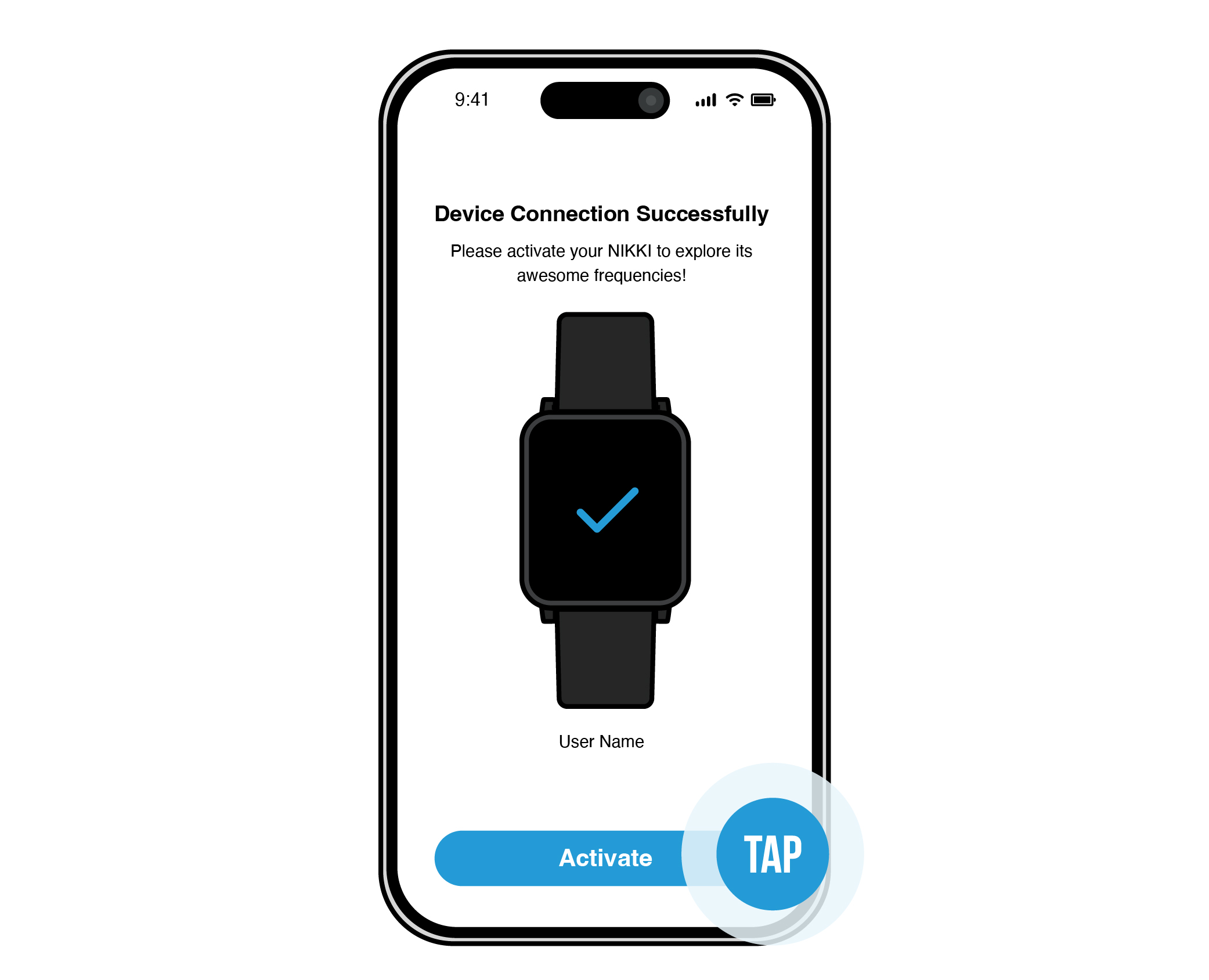
It will come to a page that says “Device Connection Successful”. Tap the “Activate” button.
10
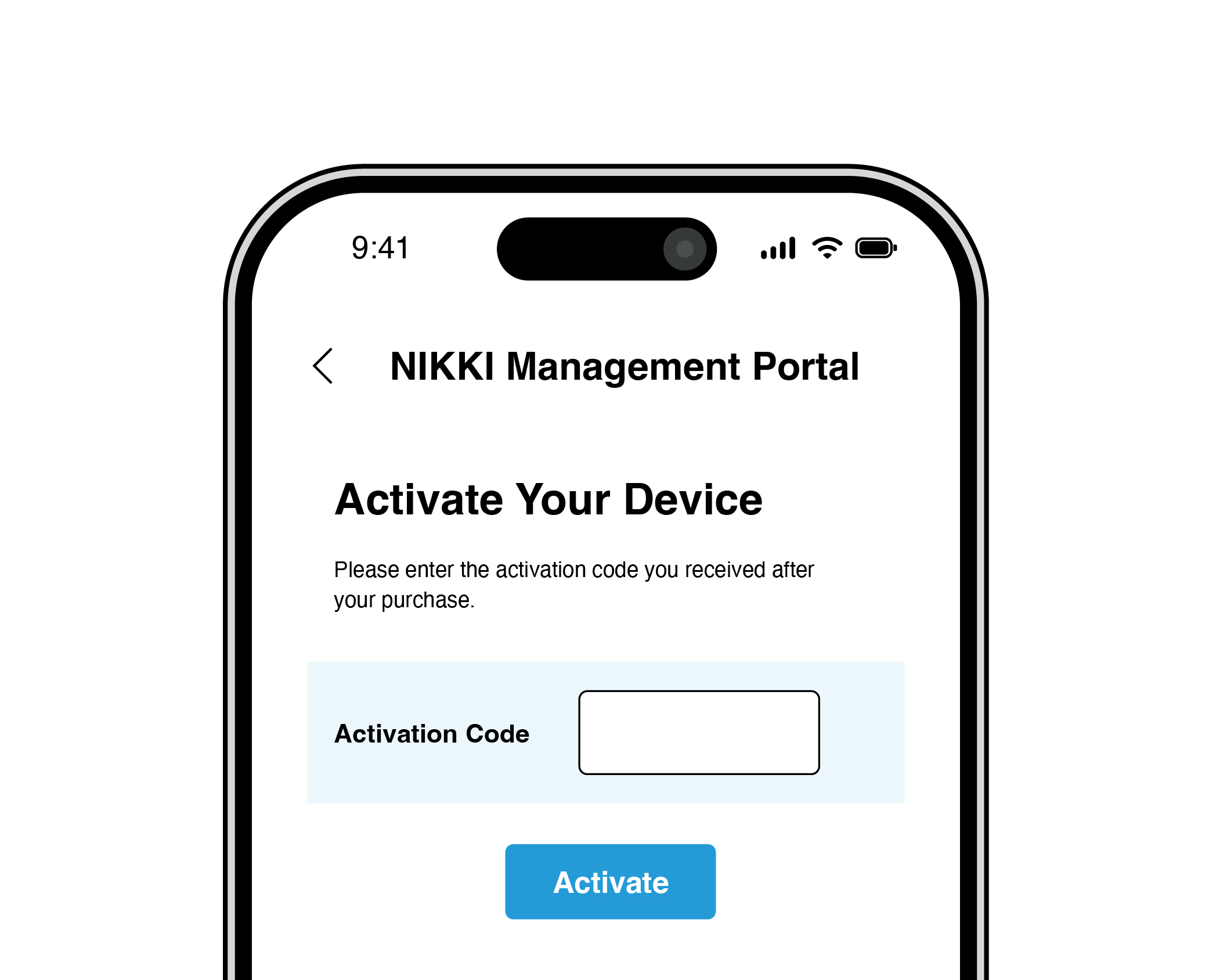
Enter the activation code sent to your email.
11
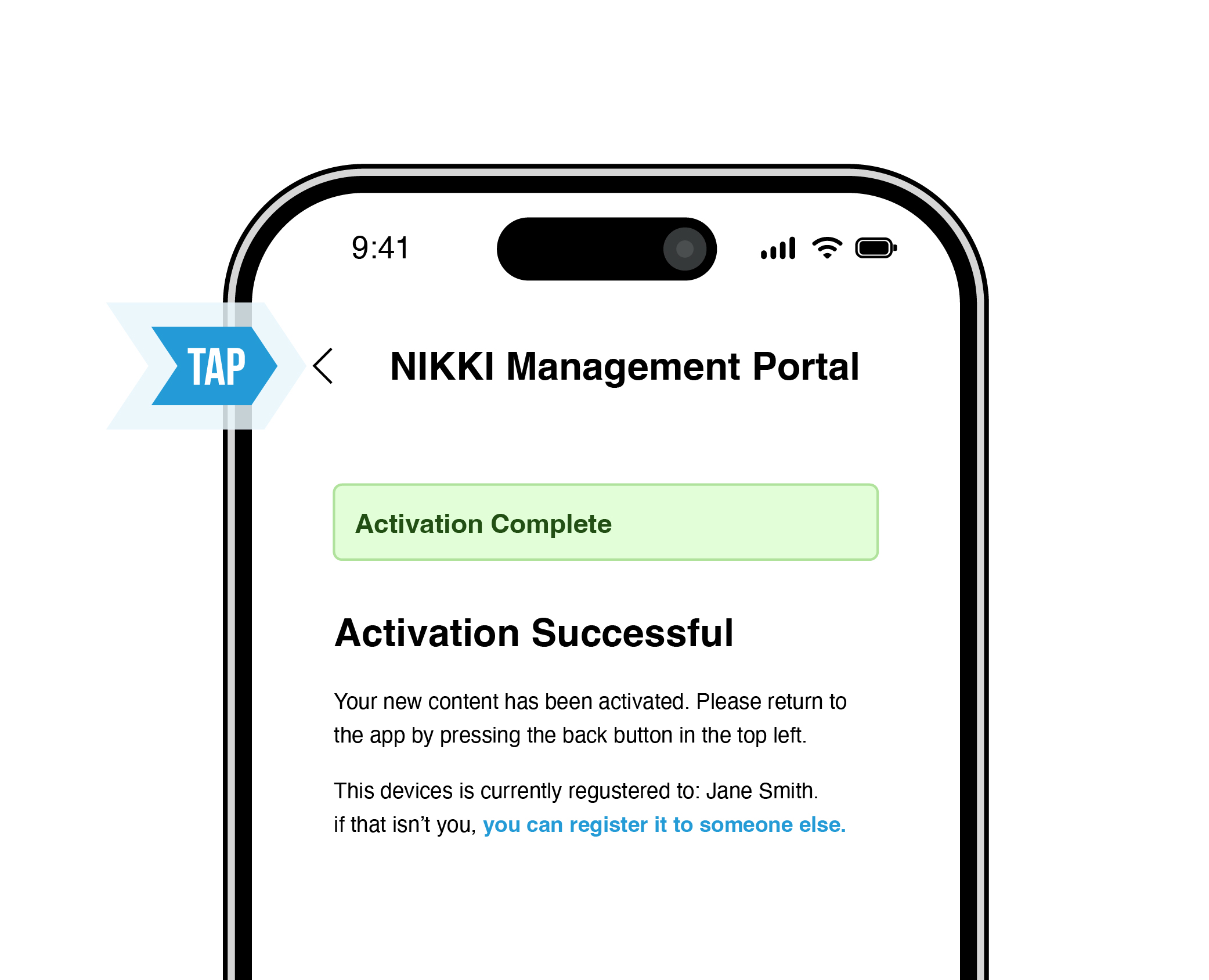
Once you enter your activation code, it will say “Activation Code Successful” in green highlight. Tap the top-left back arrow to go to the device management screen.
12
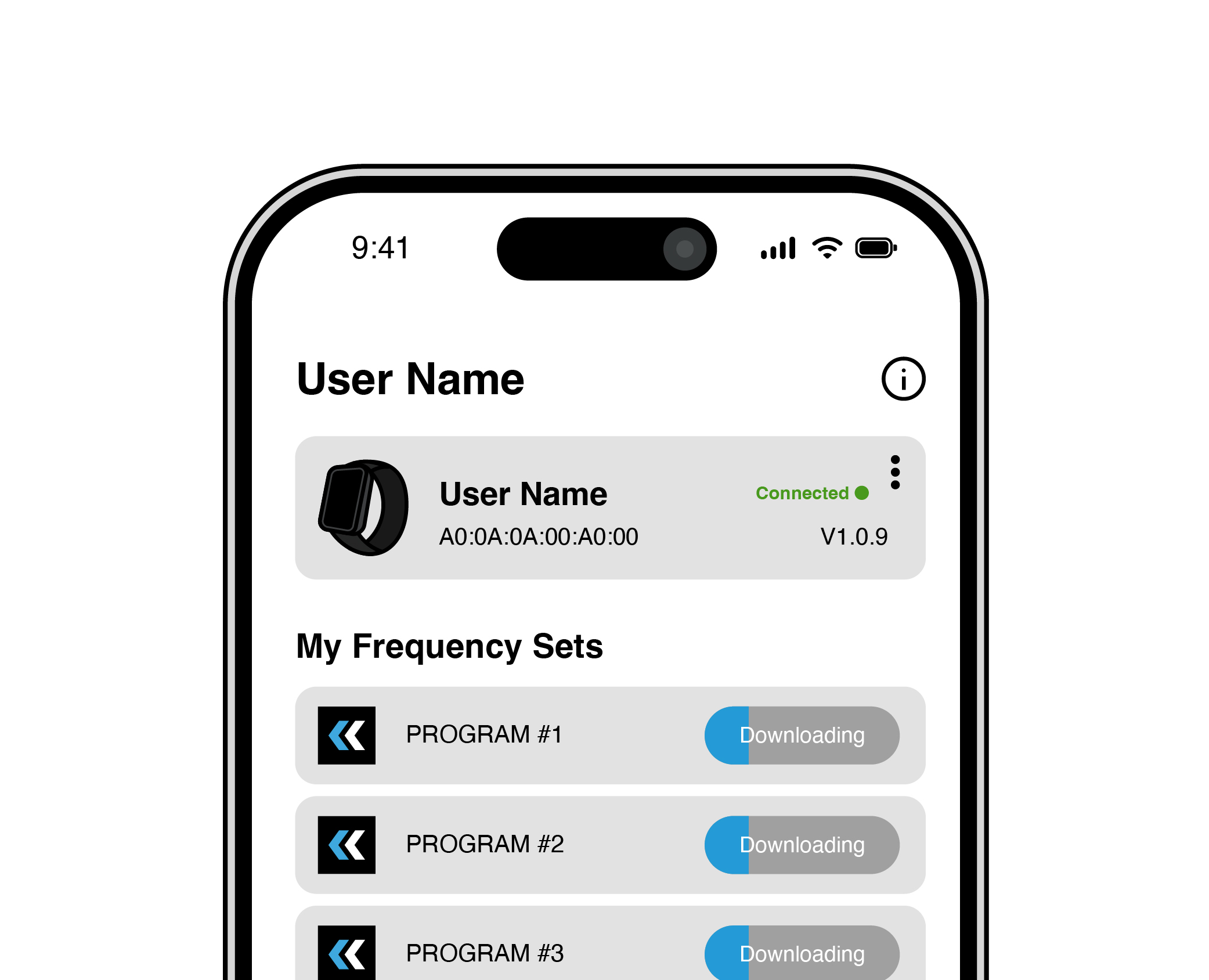
Your Frequency Sets
will download and
install on your NIKKI
device. During this
step it is important
to keep your phone/tablet close to
your NIKKI device.
13
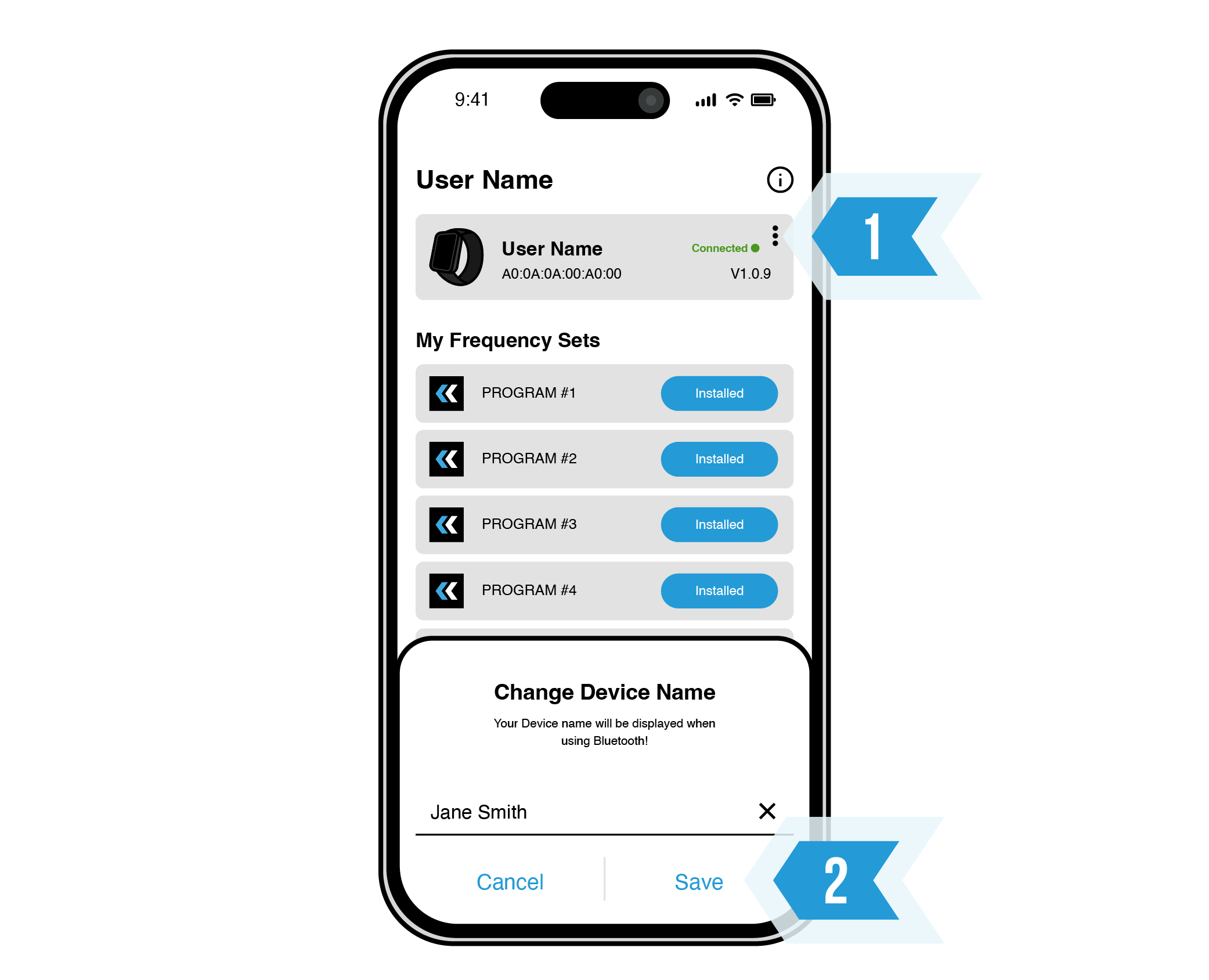
To edit your device's nickname, tap the three dots at the top-right. Input your chosen name and tap "Save".
14
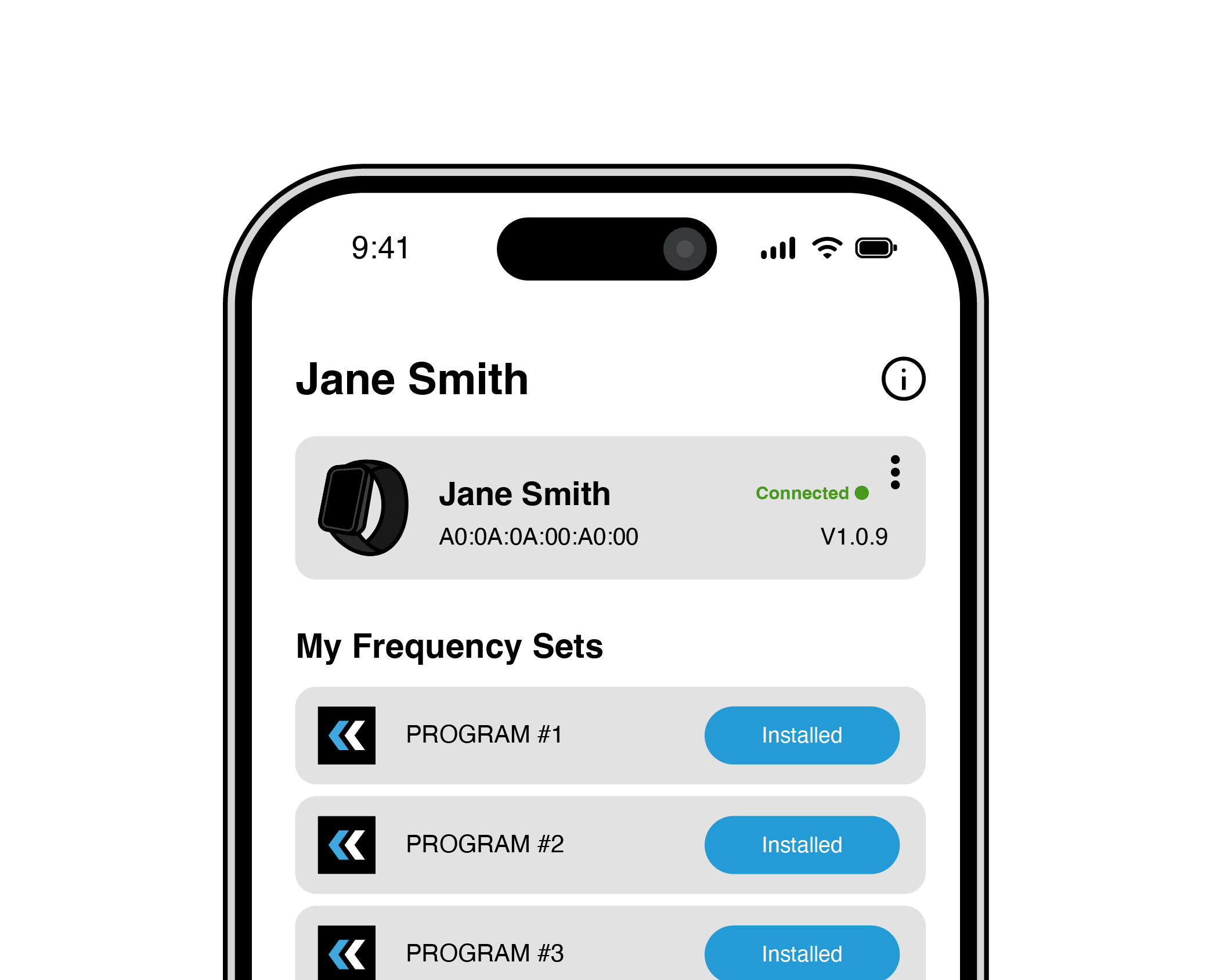
Your device name will update on the device management screen.
15